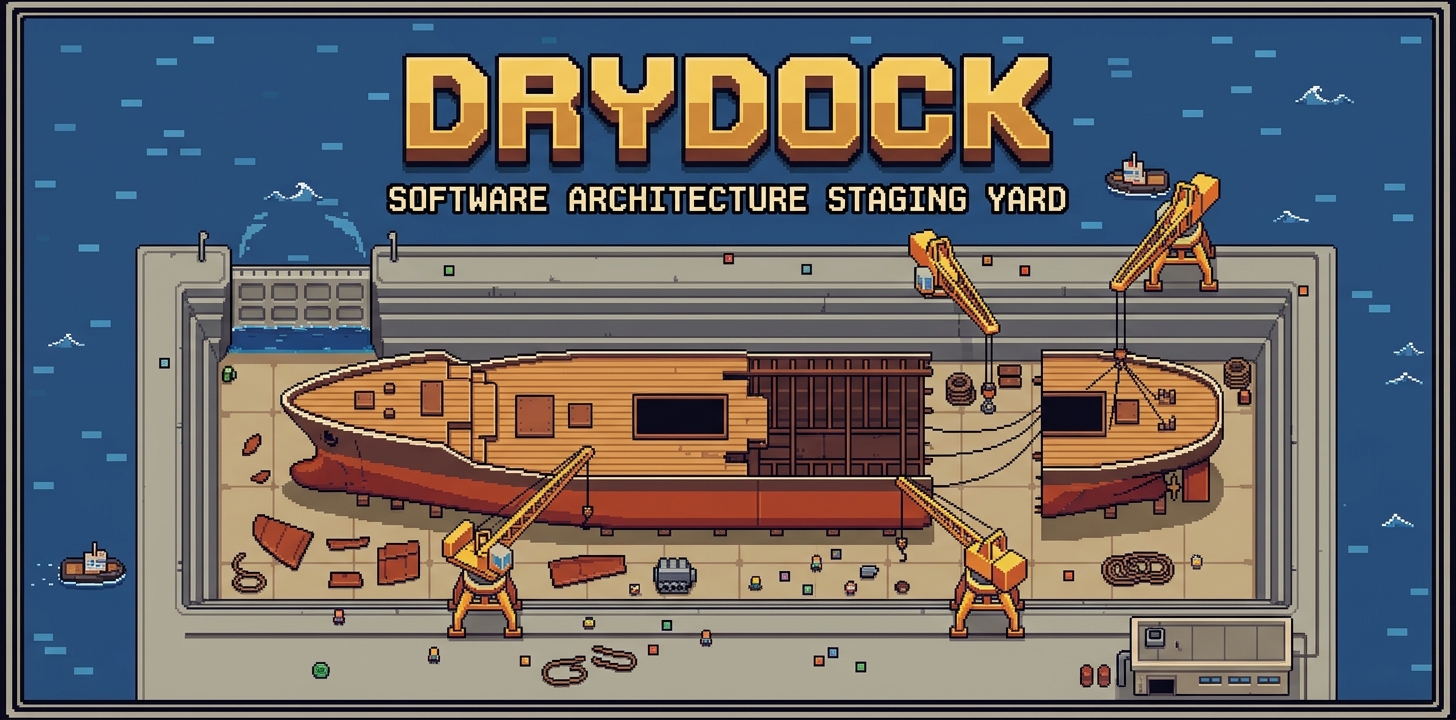
Drydock
An agentic toolchest for deconstructing, analyzing, and reconstructing software architectures.
-
MCP Server Included
Plug into Claude Code, Cursor, or VS Code. Your AI assistant gets architecture analysis as native tool calls.
-
Pure Python, Zero Deps
Every analyzer is stdlib-only. Clone and run — no
pip install, no virtual environment, no build step. -
Extraction & Boundaries
Detect safe extraction points and materialize components as standalone packages with dependencies resolved and imports rewritten.
-
Persistent Catalog
Ingest and accumulate repositories. Search across your library of projects and components. Generate architectural diagrams.
-
JSON-First Output
All tools default to structured JSON for AI consumption. Add
--markdownfor human-readable reports.
What It Does
Drydock analyzes codebases and produces structured intelligence that AI agents (or humans) can act on:
{
  "summary": {
    "total_files": 8,
    "files_in_graph": 8,
    "resolved_edges": 5,
    "clusters_found": 1,
    "bridge_files": 0,
    "orphan_files": 0
  },
  "clusters": [
    {
      "id": 0,
      "file_count": 6,
      "files": ["src/core.py", "src/api.py", "src/db.py", "src/models.py", "src/auth.py", "src/utils.py"],
      "extraction_risk": "low",
      "extraction_reason": "No external dependencies or dependents"
    }
  ],
  "meta": {"project": "my-project", "files_walked": 8, "truncated": false}
}
Language Support
All analyzers work across all supported languages. Backends use AST for Python, regex for others.
| Language | Extensions | Fidelity | Analysis |
|---|---|---|---|
| Python | .py, .pyi |
AST | Full symbol extraction, import resolution, interfaces |
| JavaScript | .js, .jsx, .mjs, .cjs |
Regex | Imports, exports, declarations |
| TypeScript | .ts, .tsx, .mts, .cts |
Regex | Imports, exports, type declarations |
| Go | .go |
Regex | Imports, packages, public identifiers |
| Rust | .rs |
Regex | Use/mod declarations, public APIs |
| C# | .cs |
Regex | Using/namespace, public members |
| Java | .java |
Regex | Import/package, public classes/interfaces |
Quick Links
- MCP Server Setup — Use from Claude Code / Cursor / VS Code
- CLI Quick Start — Run from the terminal
- All Tools — Complete tool reference
- API Reference — Auto-generated from docstrings